Get it · $49
AI SHORT DRAMA STUDIO

Still squeezing your story into someone else's template?

Your ownAI short-drama studio,
inside your Claude.

Script → characters → storyboard → video → subtitles & music
Just say it. The AI fills it in.

Built on a 15-year video pro's production order · AI Short Drama Studio (ALL-IN-ONE)

UPDATEUpdatesMore updates on the way
  • v5.94 new pro skills · Action & chase sequence formula · Multi-shot prompt template · Camera & color vocabulary · Space lock formula

    Action & chase sequence formula — Sequence cuts that flow across up to 6 shots at once

    Multi-shot prompt template — Bundle several shots into one video prompt

    Camera & color vocabulary — Match each cut's mood with scene flow, texture and light

    Space lock formula — Rooms and shops keep the same layout from cut to cut

  • v5.62 new production features · Posters & thumbnails · Auto-translated bottom subtitles

    Posters & thumbnails — Make the poster and thumbnail for your finished episode

    Auto-translated bottom subtitles — Translate dialogue and place it as subtitles at the bottom of the screen

* Buy once, then download every new version with the same license key.

Everyone's making AI short dramas.
Could I make one too?#beginners#teaching#filmcraft#AItools
Cute creator character at a laptop, struck by an idea
What's your kind of story?
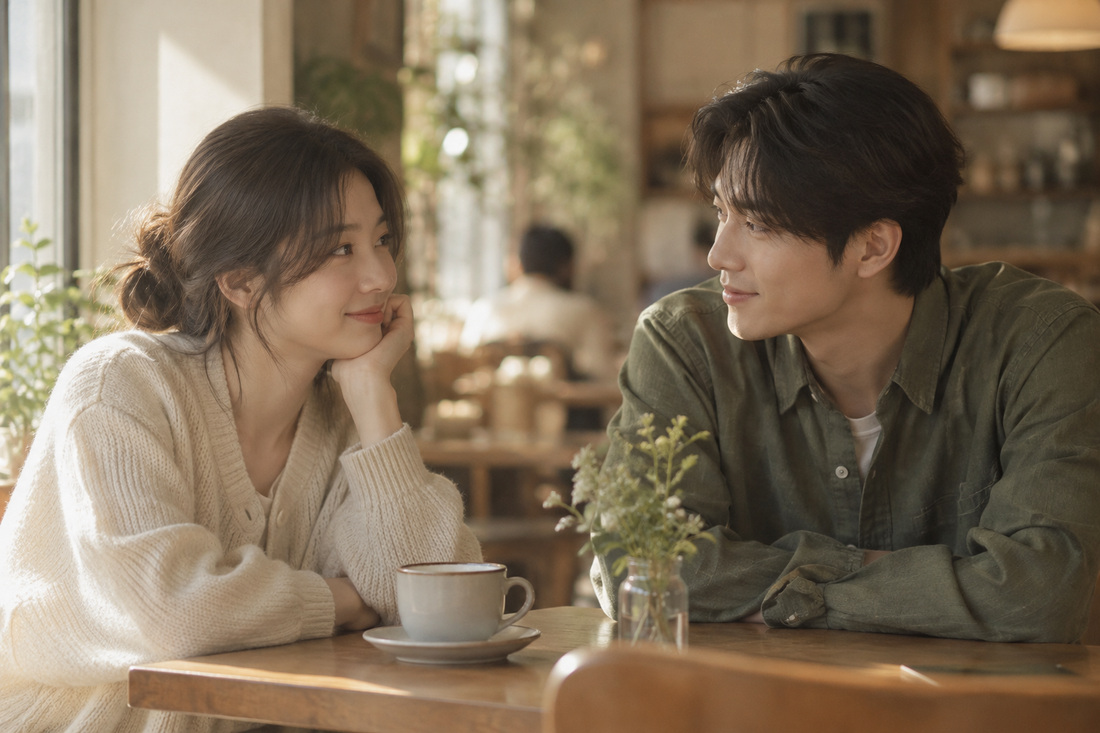
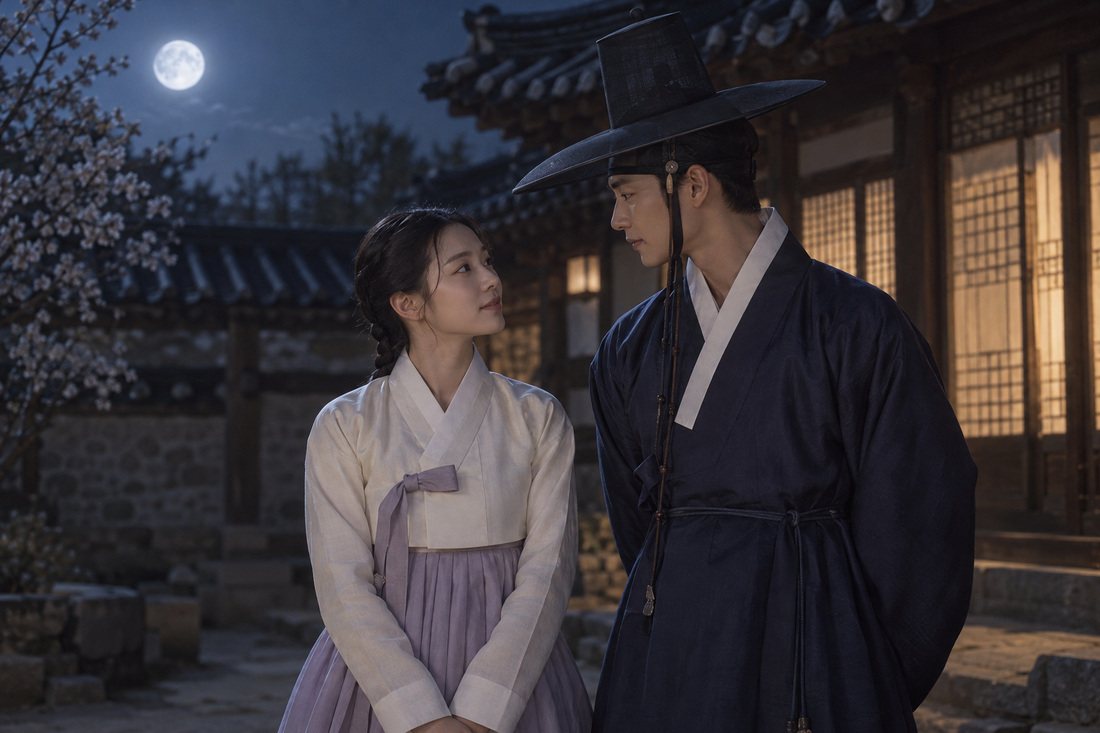
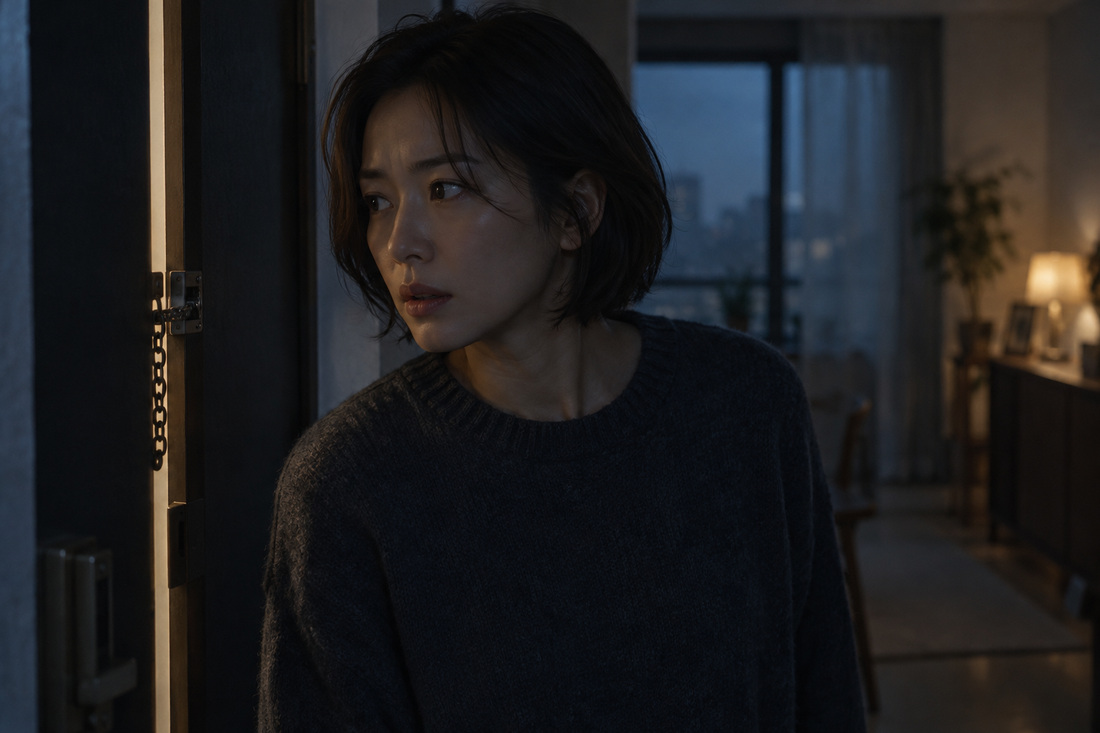
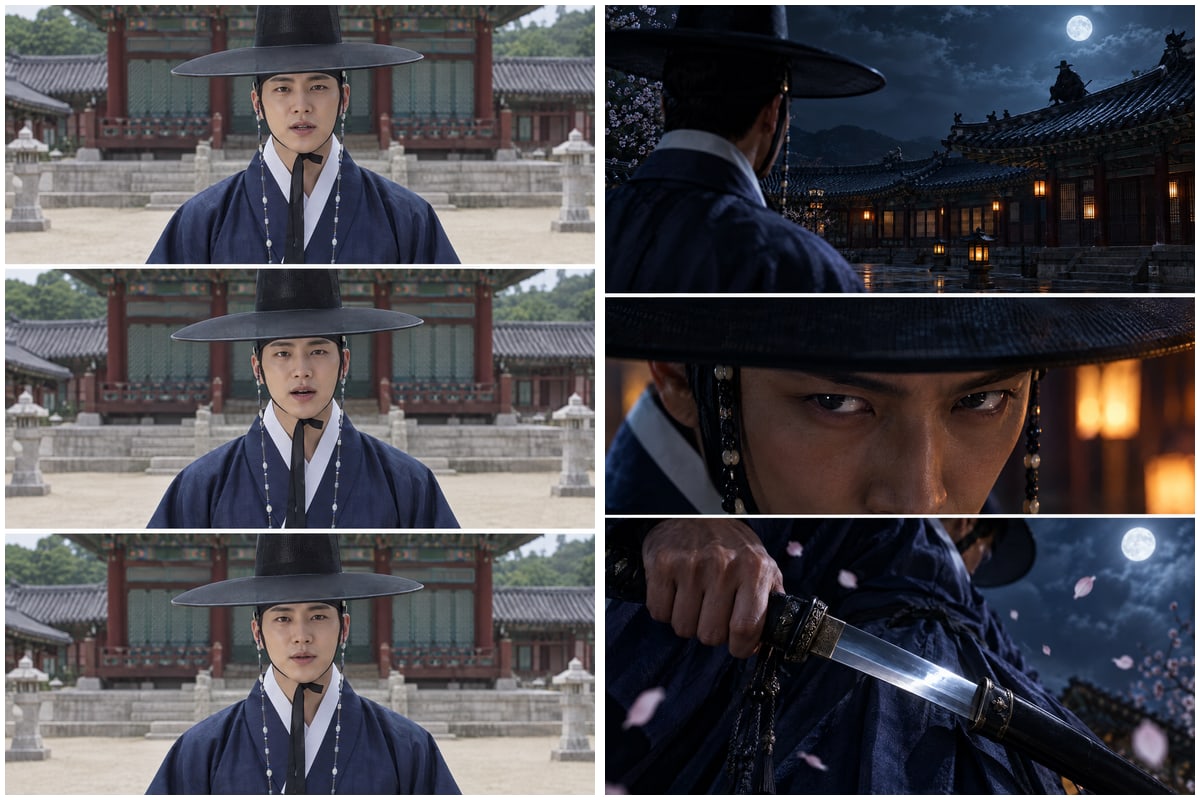
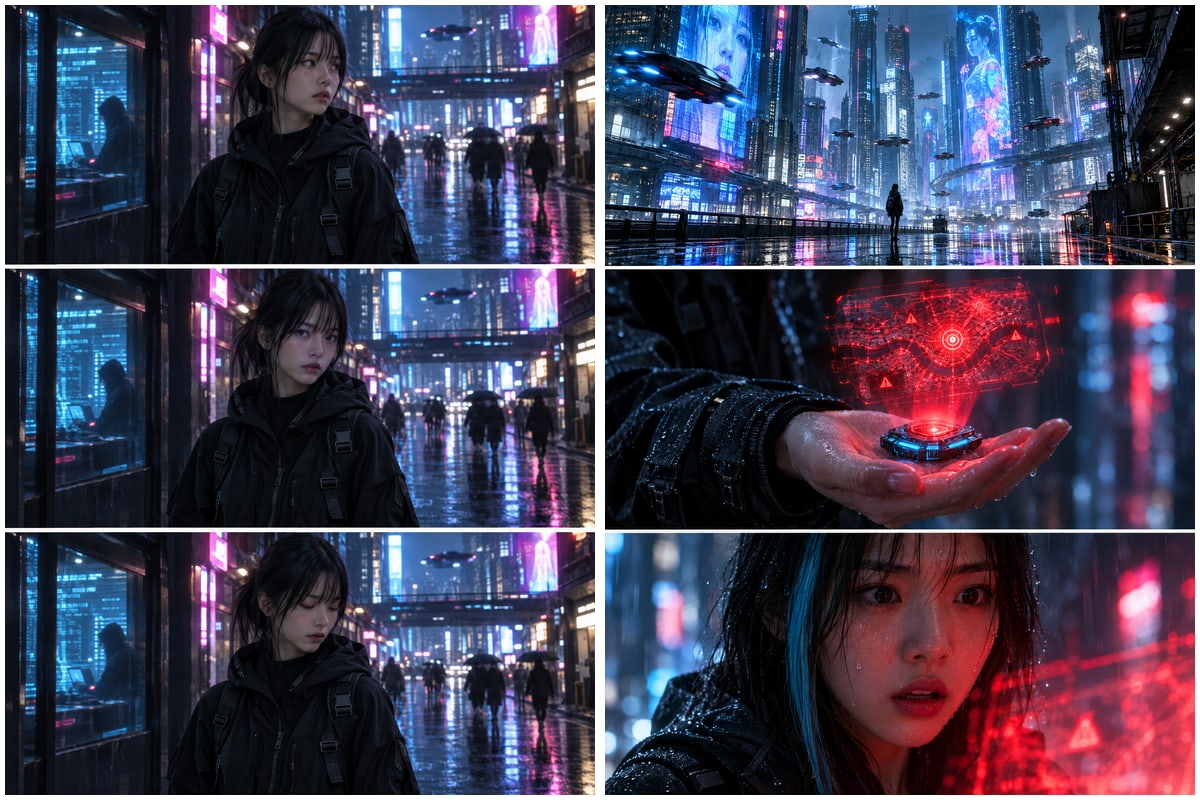
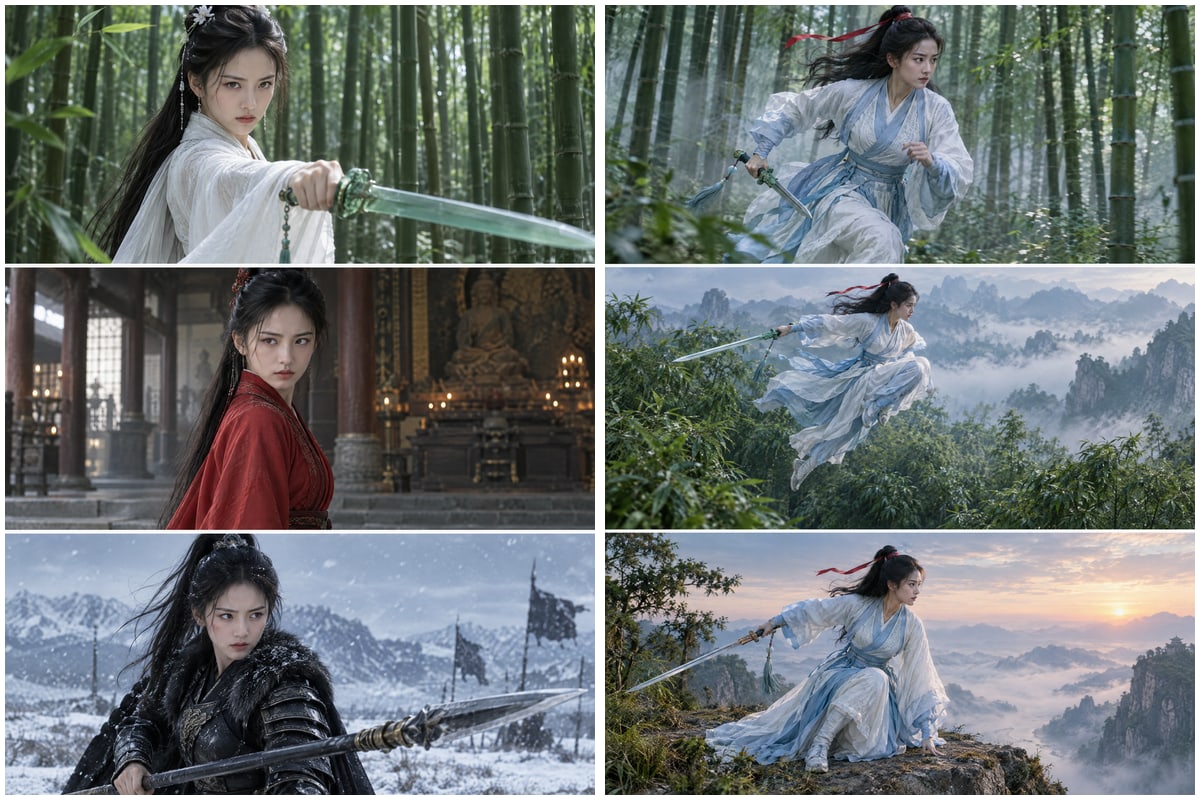
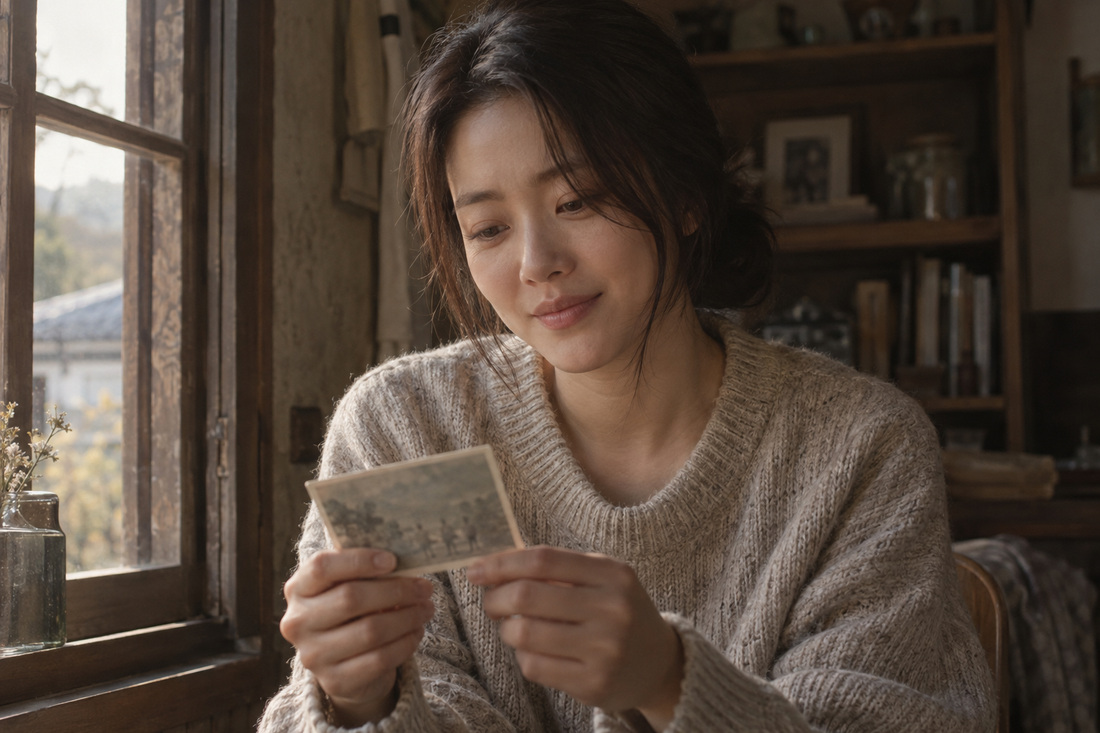
Romance scene made with AI: a couple talking in a warm cafeHistorical fantasy scene made with AI: a couple in hanbok on a moonlit nightMystery scene made with AI: a woman in a dark, cold-toned room
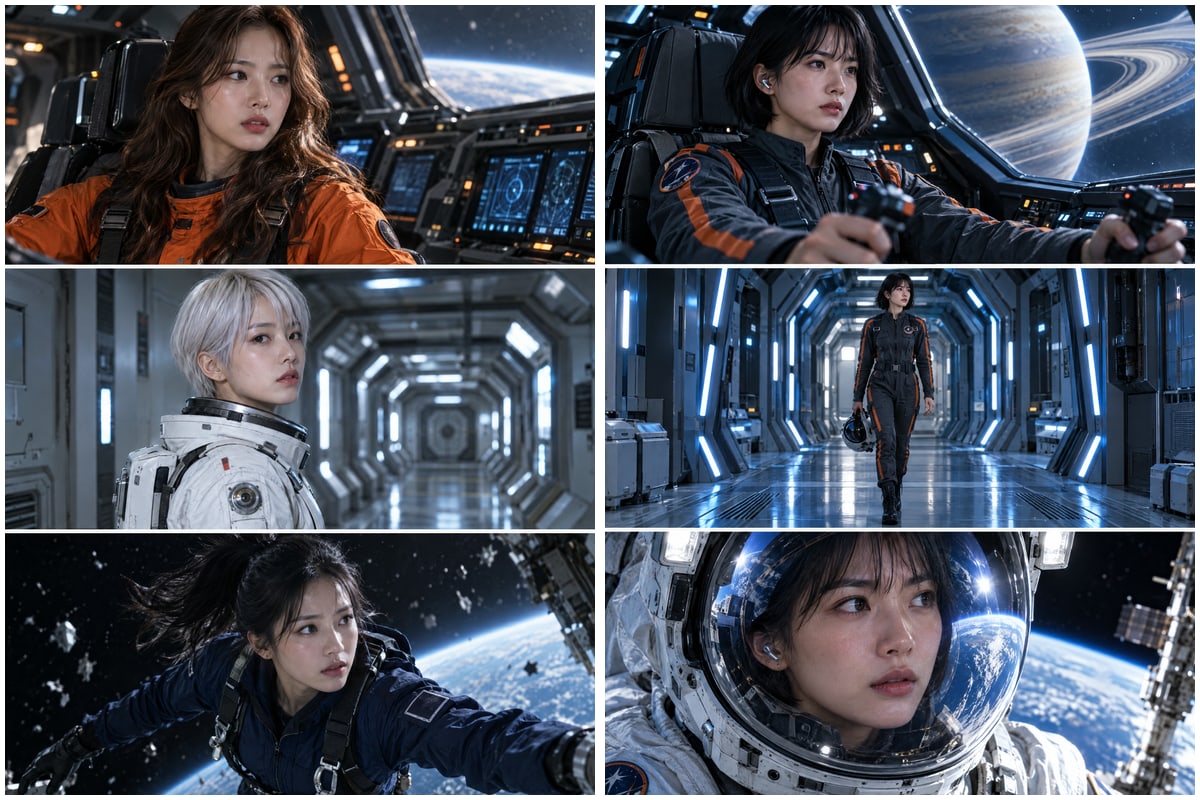
MADE WITH THIS KITScenes made with this kitFrom our sci-fi short “Quantum Eden” MADE WITH AI
But,

Grabbing skills here and there,
chasing DM links everywhere!

Sound familiar?

“AI makes the whole video in one click.”

Still buying that?

It's a myth!Video production is a craft.

Unlike a one-shot AI clip, a short drama keeps the same characters going across dozens of shots.
That's exactly where everyone gets stuck.

🐣Total beginner

“I don't even know where to start.”

Tool tutorials are everywhere, but nobody shows the order: script → characters → shots → video → edit.

🎨AI image pro

“I can nail one great shot. The story falls apart.”

Faces, outfits and props drift from shot to shot, and it's unclear how to split scenes so they play like drama.

🤖Prompt expert

“My prompts are solid. It still doesn't feel like drama.”

Film grammar like stories that build emotion, cross-cut dialogue and editing tempo isn't something a prompt fixes.

🎥Video pro

“I know directing. The AI just won't listen.”

Locking characters, each model's quirks and credit costs, managing re-generations: AI production has rules of its own.

What really matters is “the connection.”Generation tools make scenes. They don't connect story, characters and shots.
  • 01Story → shots, auto-designedOne line becomes a script, shot list and camera plan
  • 02Continuity check: faces, outfits, propsStops before generating if a shot breaks from the last
  • 03Model & cost check firstNo credits leaking into the wrong generation
  • 04Redo only what changedEdit one line of dialogue without redoing everything

It's a short-drama studio where the AI follows a video pro's production order, one conversation at a time.

But with a pro's production order and skills,
even beginners can start today!

MADE BY

Designed by a 15-year commercial content pro.

Film · Commercials · Web drama

A hands-on template: just follow the flow and you'll naturally get AI, storytelling
and filmmaking.

FOR YOUMade for you if you're…

  1. 🐣New to AI video!Not sure what to ask? Just answer the AI's questions and finish an episode.
  2. 🎬A creator!Keep the same characters going across a short-form channel or series.
  3. 🎓An instructor!Use it right away for hands-on examples and demos in AI video classes.
  4. 🧠A content planner!Learn story, character, shot, directing and editing standards in one place.
Claude OR CodexPlanning & production
→ auto draft edit
MCP
HiggsfieldReview & pick boards
→ generate video
*Custom MCP · API setup OK
CapCut (optional)Fine-tune edit
ALL-IN-ONEYour first-video starter box

Everything one video needs,
packed into one box!

MAIN
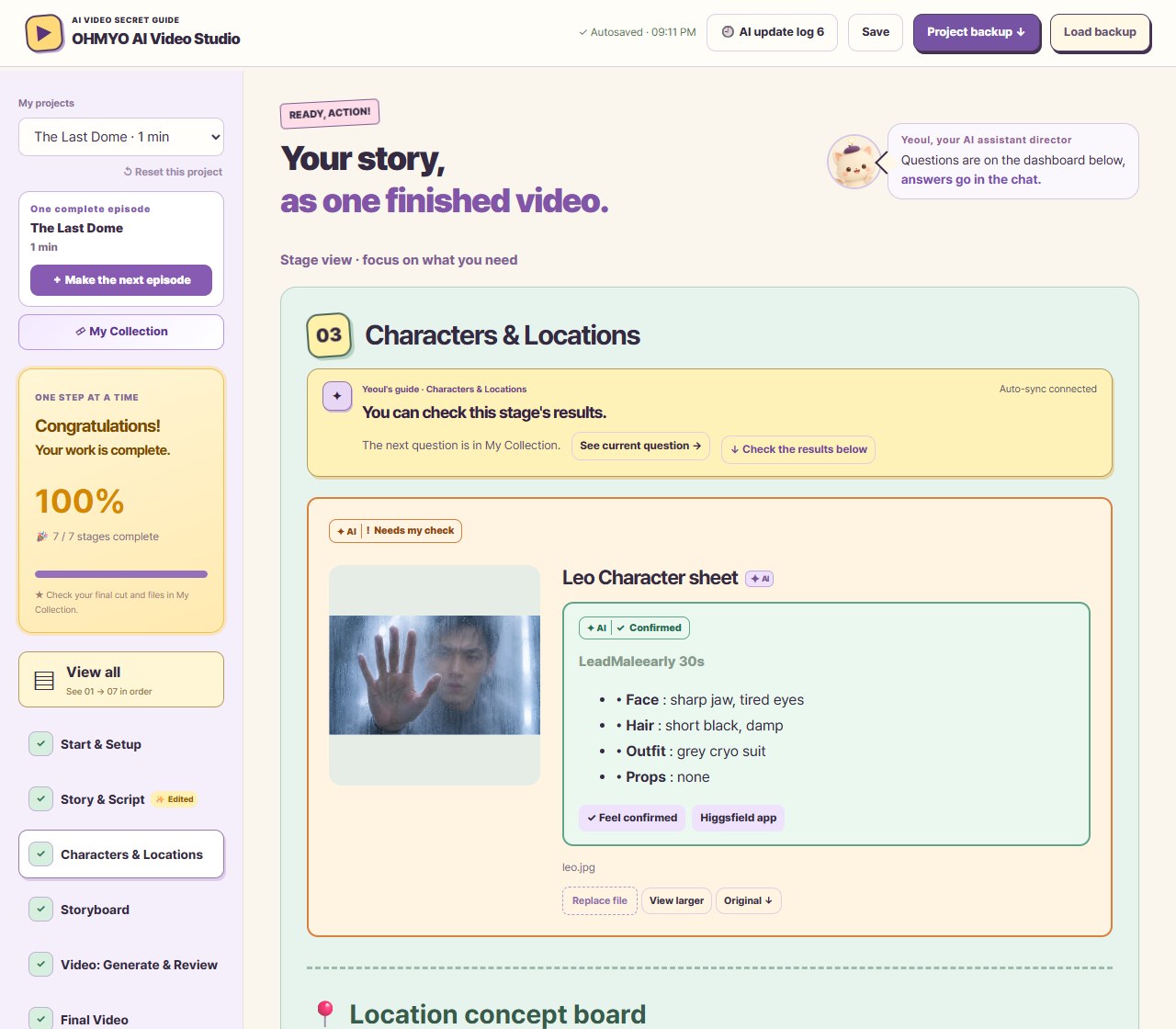
English dashboard, stage 03 Characters & Locations: a confirmed character sheet with face, hair and outfit notesMade with AI

AI Video StudioAll-in-one dashboard

Your own studio that fills itself in as you talk. See today's task · shots · checks · cost estimate on one screen.

  • Step-by-step production guide
  • Conversational auto-progress
  • Automatic shot breakdown
  • Pre-generation check
  • Checklists · backups
+ Also inside
Expert production skillsRight inside your Claude or Codex
01

Story

A one-line idea
Synopsis & script

02

Angles & moves

The feel you want
Cinematic shots

03

Color & mood

Each scene's emotion
One consistent look

04

Editing guide

Snappy short-form cuts
A CapCut worksheet

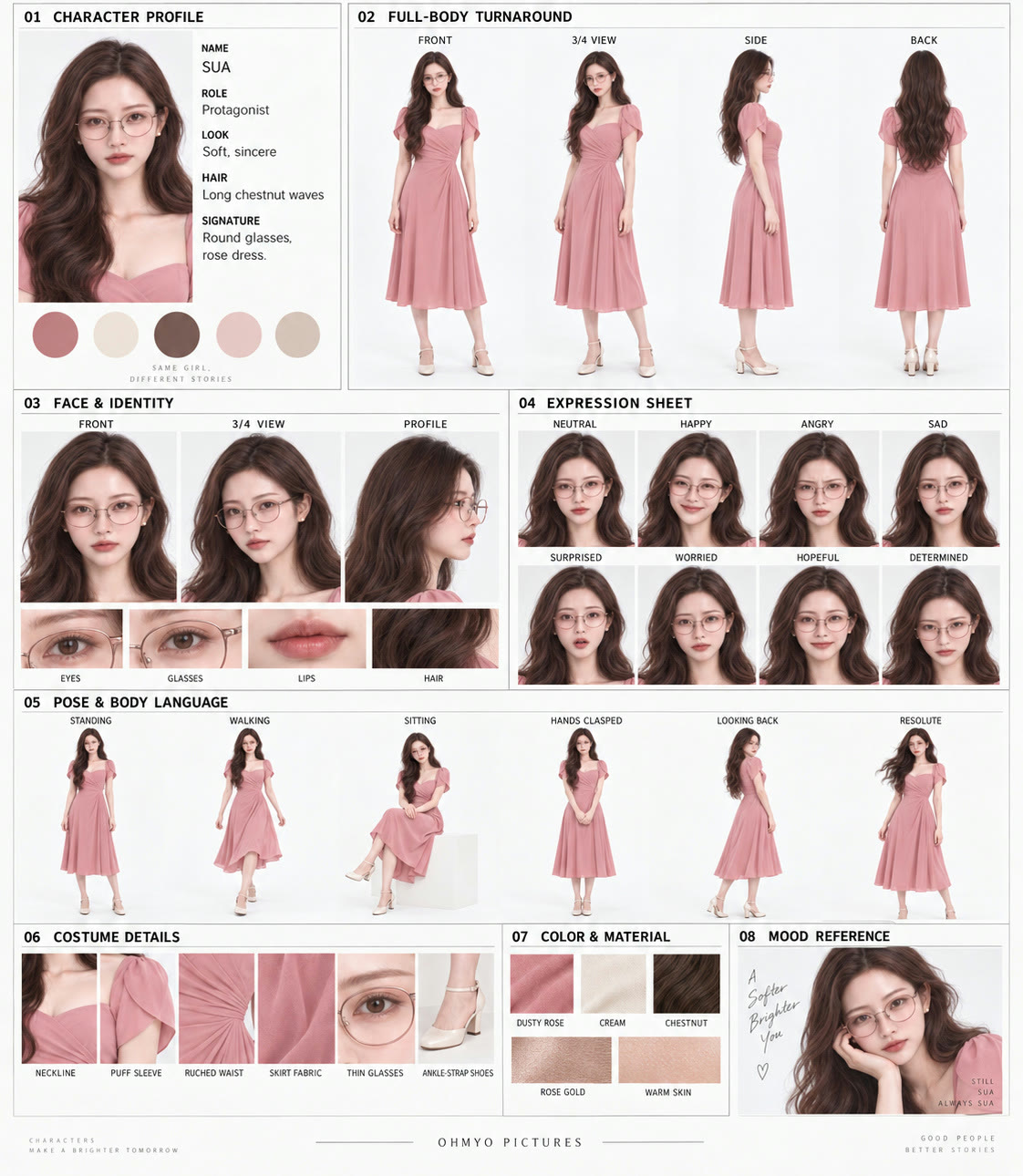
Character sheet example: profile, turnaround, face and expressionsCharacter sheet
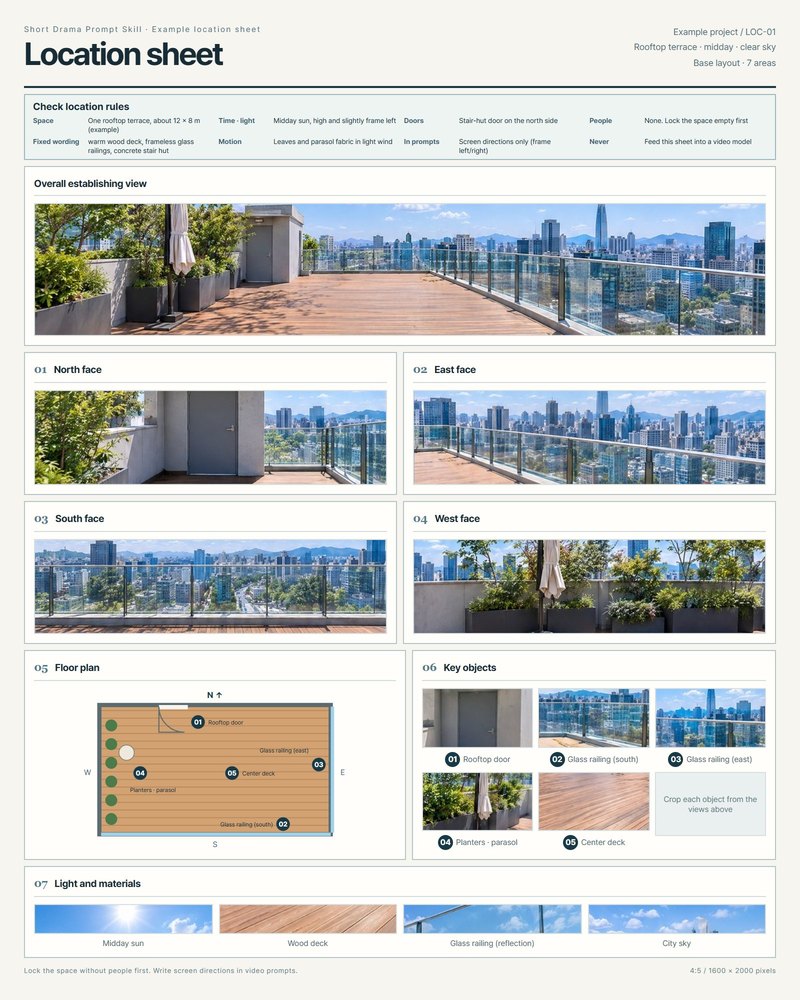
Location sheet example: wide view, four sides, floor plan, key objects, light and materialsLocation sheet
Character sheet · Location sheet · Script table · Storyboard · Revision sheet

Production templates

Characters with expressions, outfits and build, locations with 4 angles and a floor plan, each on one sheet.
Pull them out again for the next scene.

🎬 The AI crew makes it. You, the director, call “OK, cut!”
  1. SCENE 1Cast your leadAI crewSketches face & outfit optionsDirectorPick the face you love
  2. SCENE 2Preview the sceneAI crewDraws the scene firstDirectorOK it, or ask for changes
  3. SCENE 3Make the videoAI crewAnimates only the OK'd scenesDirectorCheck the finished clip
  4. SCENE 4Final editAI crewJoins cuts, adds subtitlesDirectorJust say “edit it”
WHY THIS KIT?

AI assets built by a video pro!
What's different?

Same AI tools,
so why does quality
vary so much?
Cute creator character holding a clapperboard, introducing the comparisons
01 Character

Expressions, outfits, build: on one sheet

TypicalBEFORERe-explain every shot
VS
Our kitAFTERLocked 8-section sheet
AI-directed example: a character who changes from scene to scene, next to one consistent face, body and expression reference
AI-directed example · made with AI

Make the face and full body separately, and you re-explain the character every shot.

Work from an 8-section sheet to check face, expressions, outfit and build.

Our asset8-section character template
02 Story

A story where every scene has a reason

TypicalBEFOREPretty shots, no story
VS
Our kitAFTERGoal & conflict structure
AI-directed example: unrelated pretty images next to a story that flows from clue to reaction
AI-directed example · made with AI

Beautiful scenes, but no idea why the character acts.

Set the character's goal and conflict, so every scene earns the next.

Our assetStory structure + scene order table
03 Acting & camera

A camera that follows face and action

TypicalBEFORETalking heads only
VS
Our kitAFTEREyelines & blocking designed
AI-directed example: the same flat front angle, next to varied depth and point-of-view framing
AI-directed example · made with AI

Without action and point-of-view directions, it's just dialogue in the same framing.

Decide eyelines and actions, then design what to show, from where to where.

Our assetActing, angle & camera-move guide
THE NEXT CUT!

Smooth from cut to cut,
like a feature film!

04 Multi-shot

Space → clue → reaction: the order to show it

TypicalBEFOREOne-angle long take
VS
Our kitAFTERMulti-shot breakdown
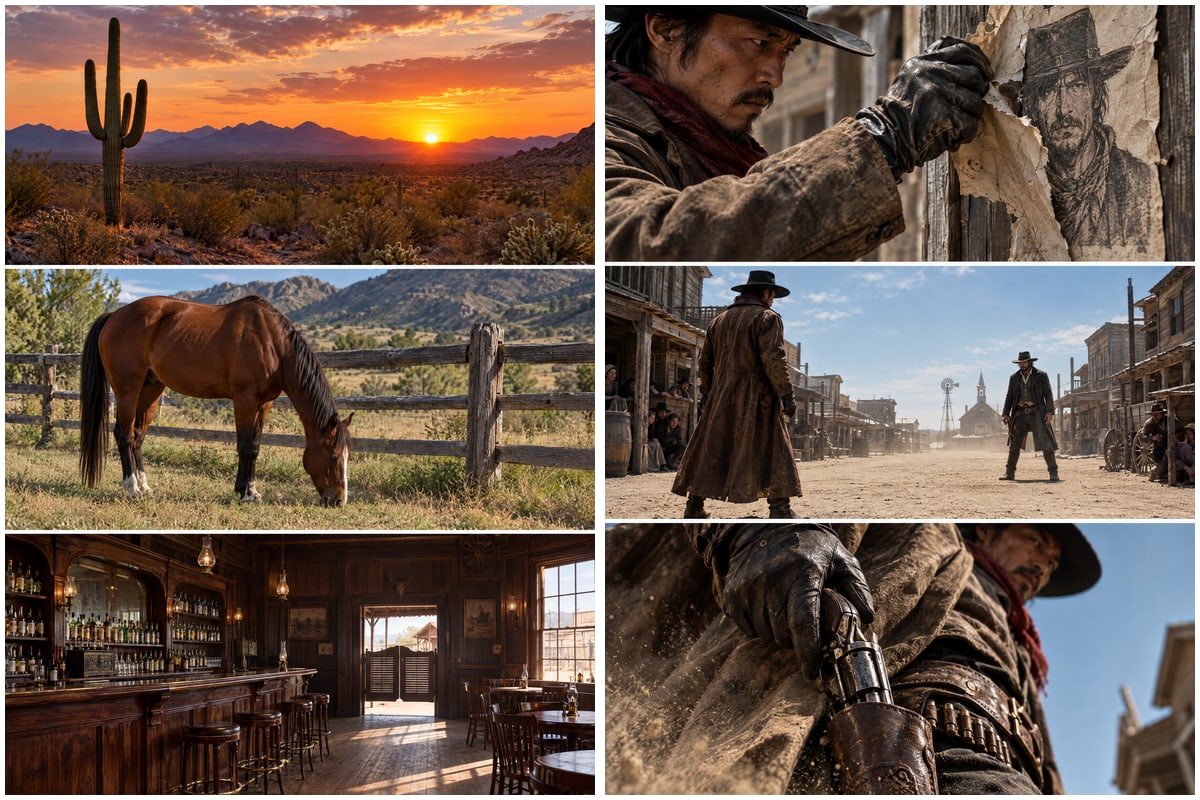
AI scene design example: a repeated angle next to space, hands-and-object and face shots
AI-directed example · made with AI

One angle held too long kills the story's rhythm.

Plan the order to show, then group or split shots to fit the supported model.

Our assetMulti-shot design + generation segments
05 Continuity

Outfits and props remember the last shot

TypicalBEFOREResets every shot
VS
Our kitAFTERCarries over the end state
AI example: outfit, phone and background changing between shots, next to a state carried over consistently
AI-directed example · made with AI

When outfits, props and places change every shot, the edit looks off.

Pass on the last shot's end state and check outfit, props, position and light together.

Our assetStart/end states + continuity checklist
06 Fixes & credits

Before regenerating, fix just what's off

TypicalBEFORERegenerate everything
VS
Our kitAFTERFix only what's needed
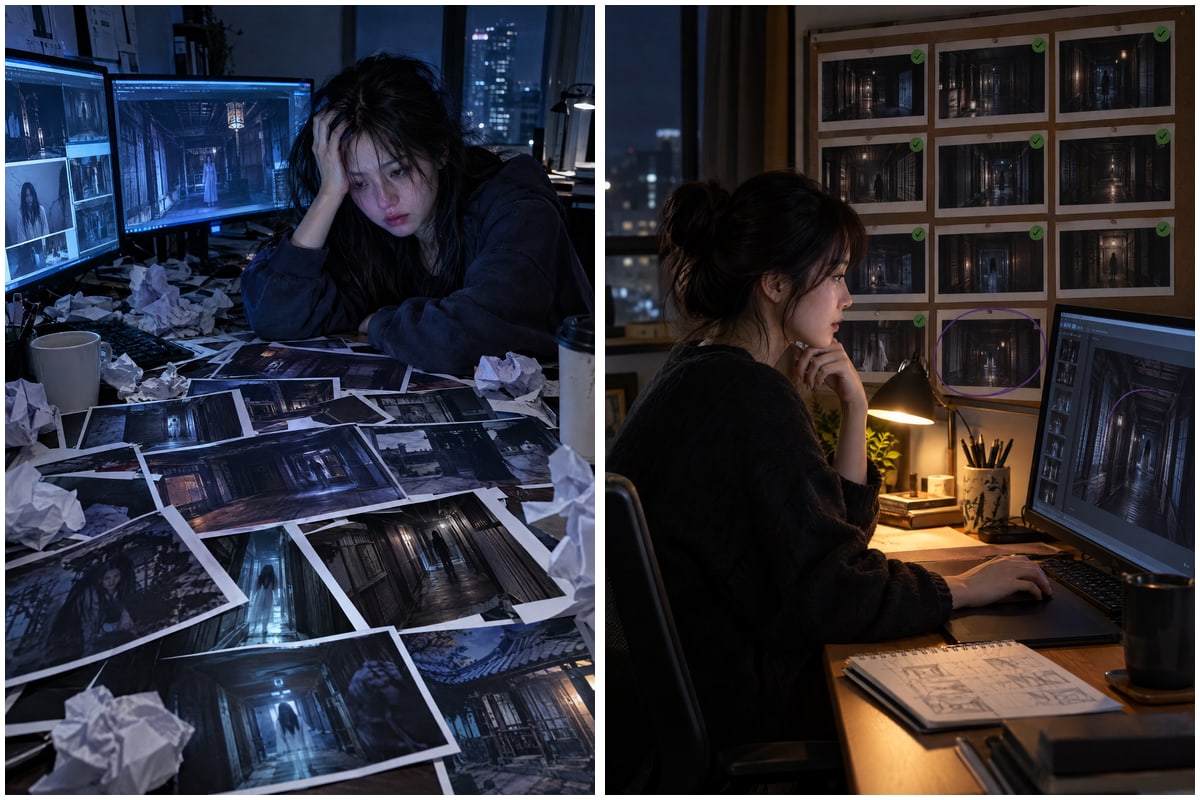
AI-made photo: a desk buried in repeated outputs, next to a creator picking one scene to fix
AI-directed example · made with AI

Regenerate everything without finding the cause, and the good parts get remade too.

Full regeneration · 12 images · 60 s · ~900 credits

Pick the scenes to keep, find the cause, and patch only what's needed.

One shot only · 1 image · 5 s · ~75 credits

Our assetReuse existing assets + partial-fix rules
SPECIAL CREW!

Why is it so special?
An 8-person production crew's
secrets, all inside!

We packed the know-how of the 8-person crew one video needs into AI skills and a dashboard.

Writer

One-line idea →
synopsis & script

Character designer

Face, outfit &
expression sheets

Storyboard artist

Shot breakdown &
framing previews

Camera director

Angles, moves &
in-shot multi-shots

Lighting director

Time of day, light
sources & shadows

Colorist

Scene-by-scene grading
& tone matching

Script supervisor

Outfit, prop & light continuity
+ prop checkpoints

Editor

Short-form cut tempo,
subtitles & music

YOU

And the director? That's you!The dashboard tracks order, checks and costs. You just look and choose.

01 / Check the board → generate your picks → draftAI Short Drama Studio.

See it first, then choose.
Credits go only to the shots you need!

Set up once. Install the expert skills in your AI and connect your Higgsfield account through MCP.

✓ Production dashboard

Answer the AI's questions,
and your studio fills itself in!

Just chat with the AI and tick things off.
The whole production lays itself out neatly in your dashboard.

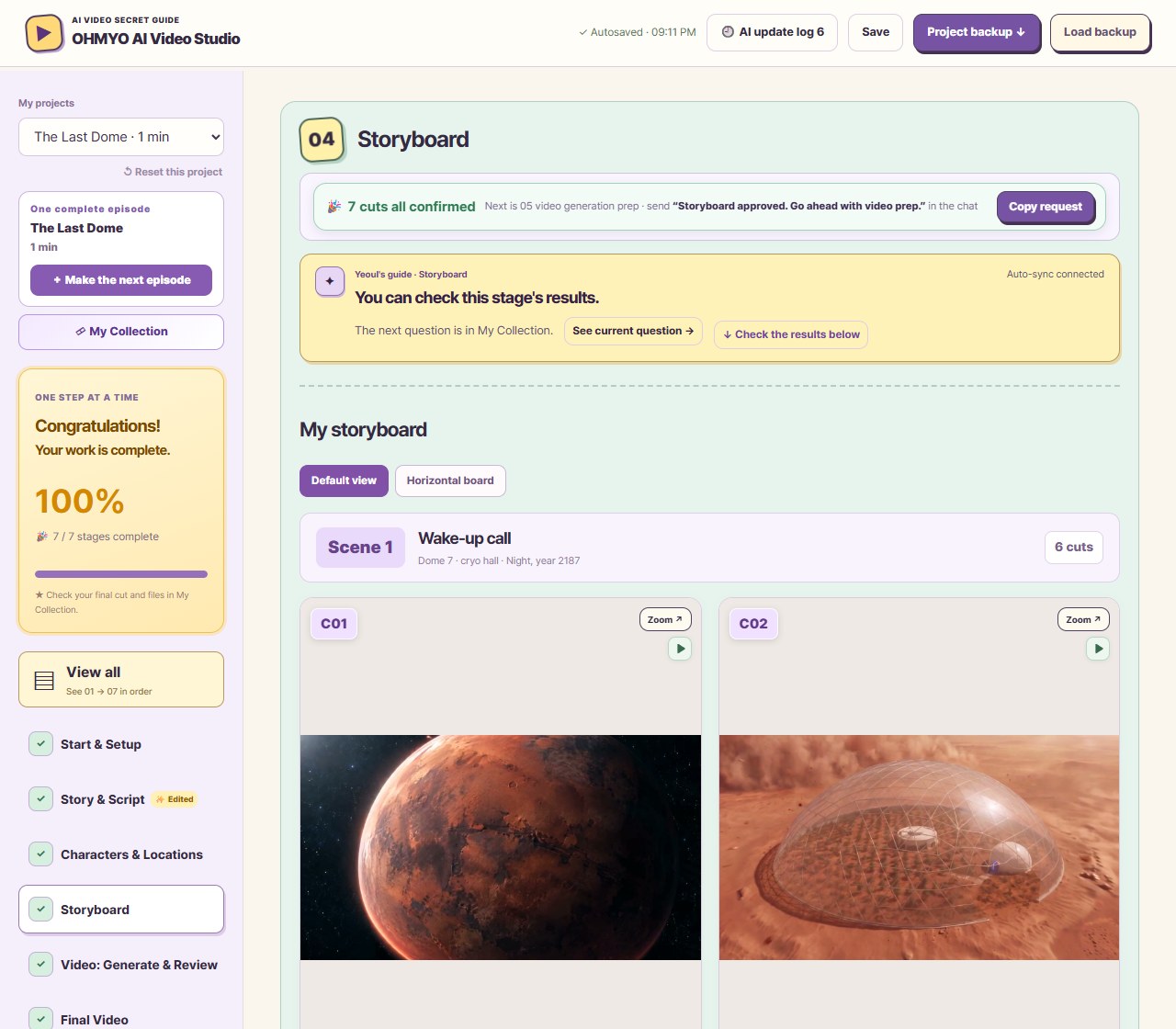
● ● ●MY FIRST VIDEOReal dashboard
Storyboard stage: all cuts confirmed, the AI guide and a picture board for each shot in the production dashboard🔒 Real dashboard previewGet the full screen after purchaseMade with AI
✓ Decide in chat → the dashboard updates itself
Script, characters, images and video are saved in one project.

Here's how it works!

Preview as images first, then animate only your picks!

01Check the imageSee it as a picture first
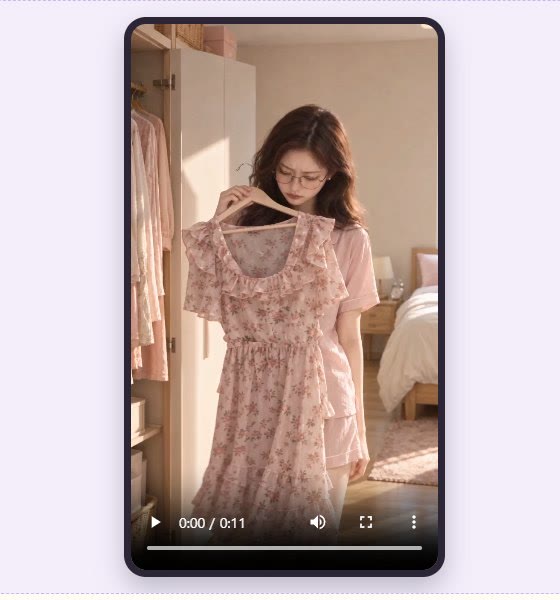
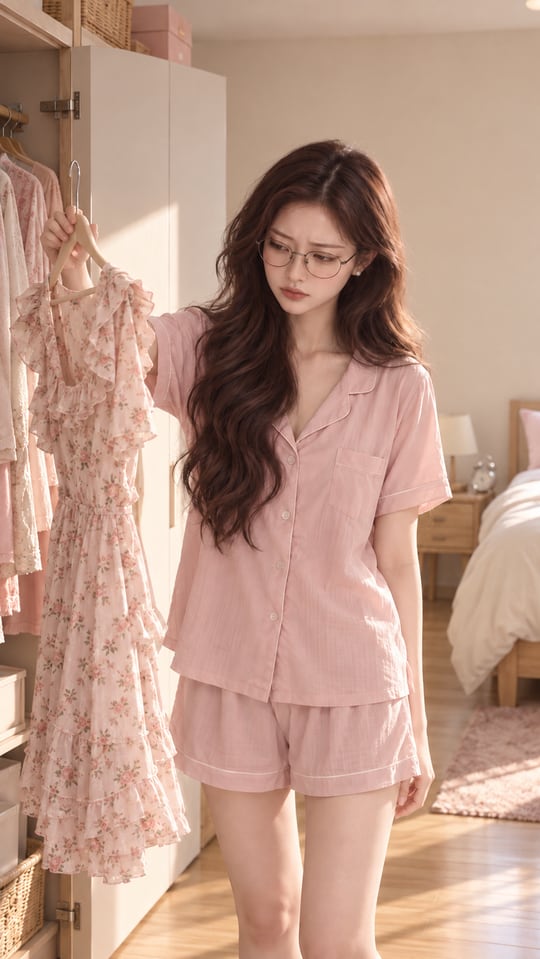
Storyboard image for shot C02: Sua holding up a dressC02 · 3s

AI sketches every shot first

ViewReadConfirm

02Swap in video & checkPlay it, then pick
▶ VideoC02 · 3s

Only confirmed shots become video

PlayLinkShot locked

02 / Start with one lineAI Short Drama Studio.

One line of an idea,
script, characters and first scene in one go!

↓

Pick a genre, and it's built on proven story formulas

①YouPick a genre🔍 Mystery twistWebtoon-style payback · Romance · Slice of life · Comedy
②AILays out the story timeline
Clue3s
Setup15s
Threat15s
Twist15s
Cliff­hanger12s
▲ Hook within 3s60s · leave them hooked ▲
Pick the draft you like, and your story begins!Make the ending more thrillingSay it like that, and it's tuned to your taste.
03 / Get your characters readyAI Short Drama Studio.

AI suggests your characters,
same face all the way through!

Character sheet in action

Sua sampleCHARACTER SHEET
Sample character sheet for Sua: profile, 4-way turnaround, face, 8 expressions, poses, costume details, color and material, mood
Sample character sheet · made with AI

Decide your character in chat, and all 8 sections fill themselves in.
Just pick, or say what to change.

Once the AI lays it out on one sheet,
every next scene keeps a consistent face.
04 / Make and polish scenesAI Short Drama Studio.

Director, just pick the scenes.
Shots, framing and moves are on the AI!

Emotion analysis → shot split → framing & angle → camera move

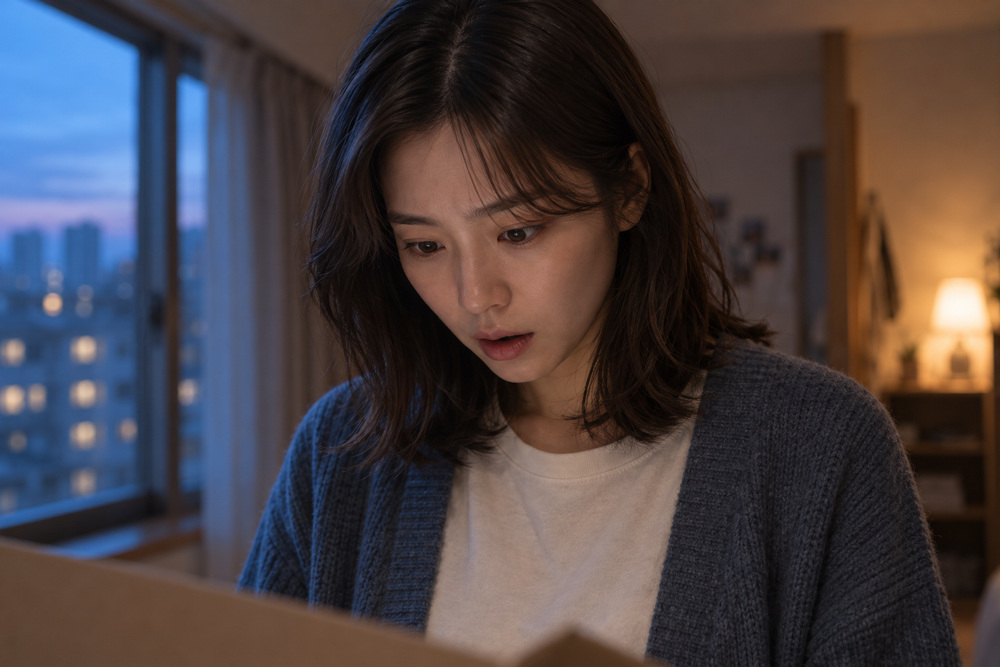
Close-up made with AI: a surprised face looking down into a package

Get close

Close-upExpression & gaze

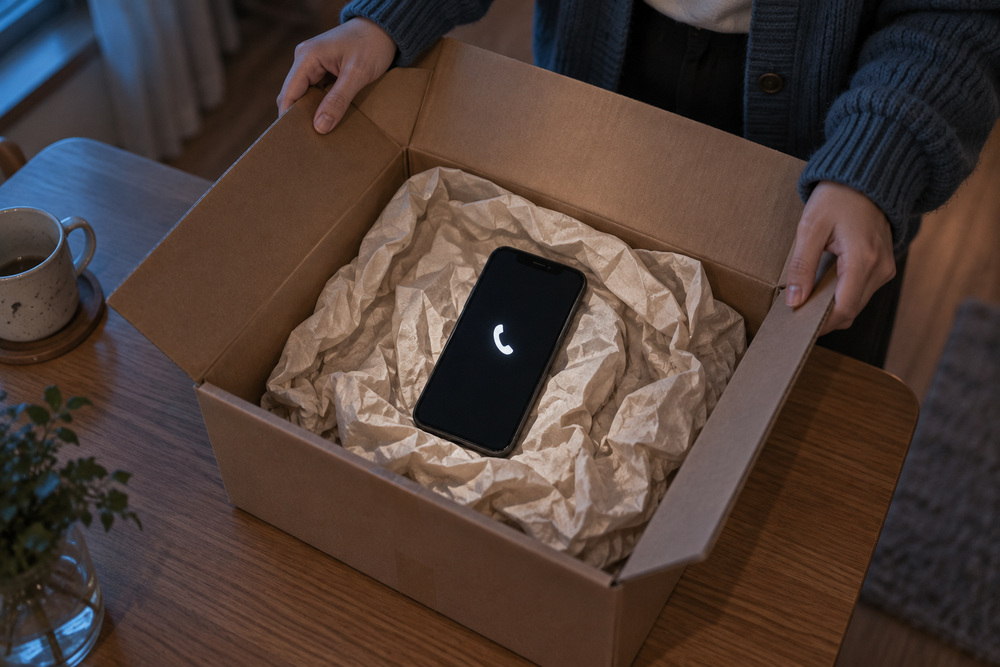
Insert shot made with AI: a phone inside an open package, hands on the box edge

Make the clue pop

InsertHands & objects

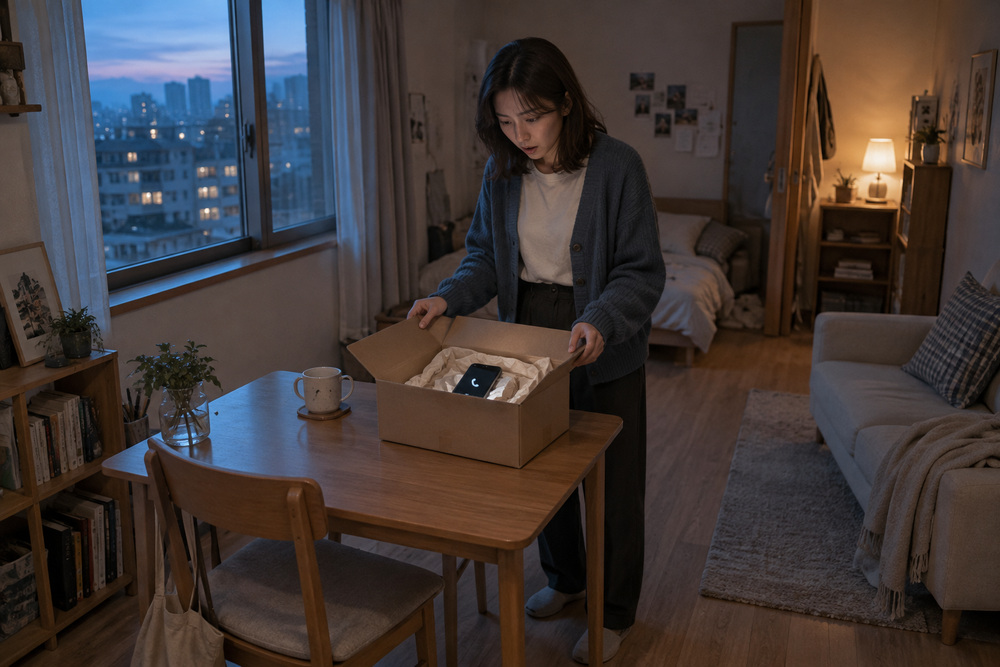
Wide shot made with AI: a person, a package, a table, a window and a sofa in one room

Open up the space

WidePeople & place

SKILL 03 · Pick your color mood

Color is everything!
One color choice makes the same scene cinematic!

“Warm.” “Lonely.” “Tense.”
Start by picking one mood.

AI-made scene with a warm, soft romance gradeFluttering romance

Warm and soft

Creamy light · gentle warmth · natural skin

natural cin***soft mut***
AI-made scene with a cold, deep mystery gradeTense mystery

Cold and deep

Restrained blue-gray · shadows that read the face

low sat***realistic sh***
AI-made scene with a moonlight-and-lantern grade for a Korean period nightKorean period, moonlit night

Moonlight meets lanterns

Silver-blue moon · warm paper windows · hanbok colors

atmosph***natural cin***
AI-made scene with a calm film-look flashback gradeNostalgic flashback

Calm film mood

Soft low saturation · subtle film grain

subtle film gr***shot on 35***

Mood examples made with AI · production keywords partly hidden

Natural cinematic colorSoft paletteRealistic light & shadowSubtle film texture
04-2 / Make the draftAI Short Drama Studio.

Join the scenes you picked,
and the draft's done in a snap!

AI

Want me to make a draft
from your confirmed videos?

You

“Yes!”

AIYour video draft is ready!Play it start to finish to check the flow, length and sound.
Dashboard stage 06: the confirmed shots joined into one vertical draft videoMade with AI
Real dashboard · 06 Draft video
AI is editing the cutConfirmed shots joined in script order
C01C02C03C04C05C06C07C08
0s16s31s …
  • Auto-joined in shot order
  • Originals saved per shot
  • Patch only the awkward shots
FINAL CUT!

Ta-da!
Your short drama is done!

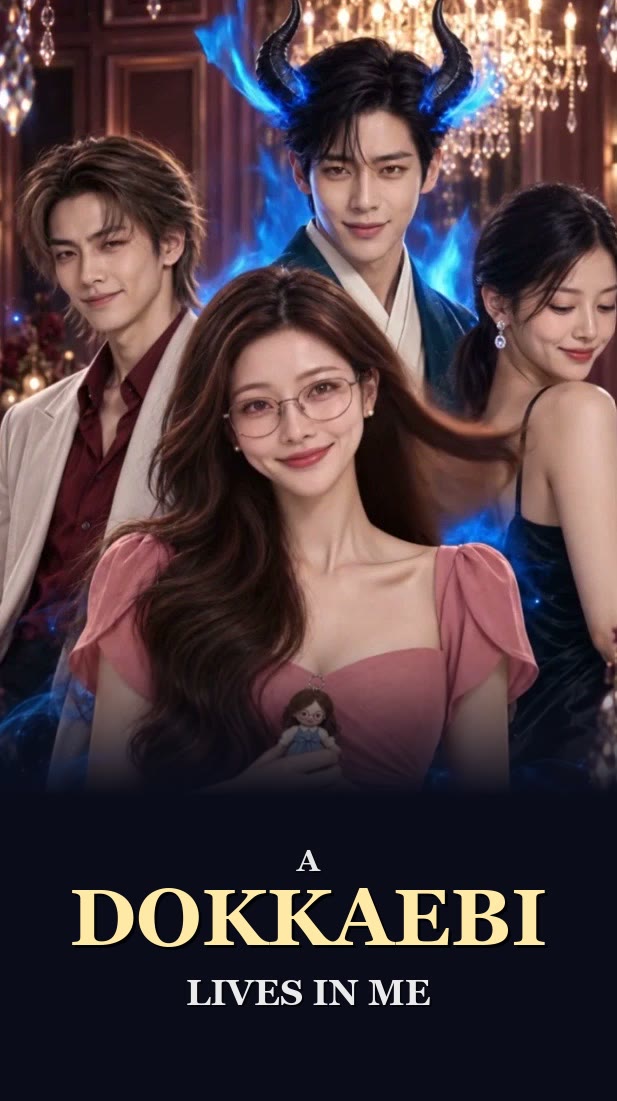
Poster of a finished AI short drama, A Dokkaebi Lives in Me, AI-generated
1:00 / 1:00
COMPLETE

A polished, high-quality
short drama, finished!

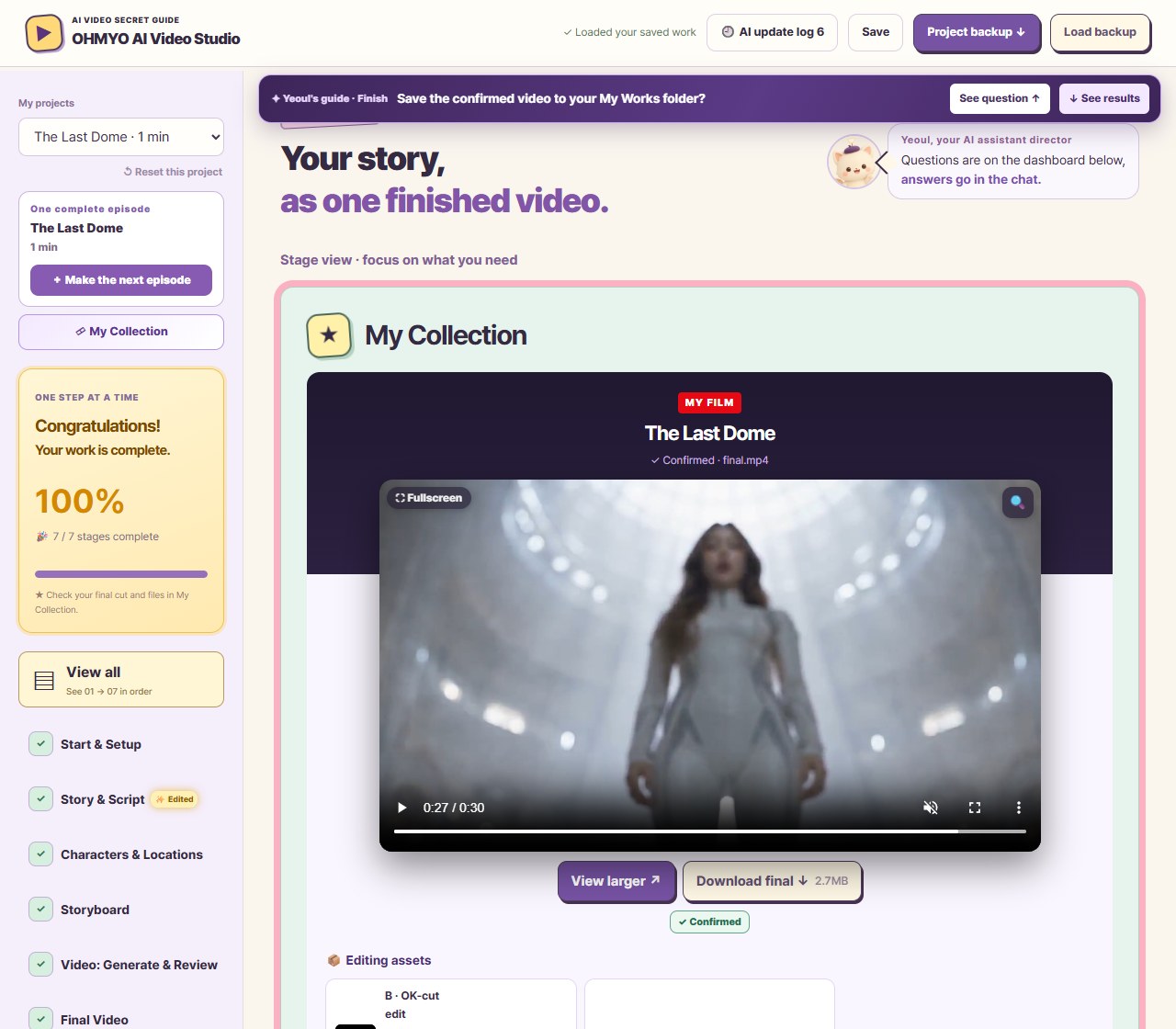
Dashboard stage 07 My Collection: the finished short drama The Last Dome, confirmed and ready to downloadMade with AI
Real dashboard · 07 My Collection
05 / The full roadmapAI Short Drama Studio.

From planning to final cut,
one package does it all!

From one line, “Make a video!”, to the finished film

STEP 1PlanSay it, get a script
  1. 01
    All set up!Pick your AI, connect skills & Higgsfield
  2. 02
    One line, one script“Make a video!” → synopsis & script
STEP 2ProduceCast · storyboard · video
  1. 03
    Cast your actorLock face & outfit on a sheet
  2. 04
    Picture storyboardPreview framing & expression per shot
  3. 05
    Animate only your picksCredits only where you need them
STEP 3FinishDraft · edit · next episode
  1. 06
    Final videoAI adds subtitles, music & sound effects
  2. 07
    ★ My collectionFinals & thumbnails in one place
  3. 08
    Next episodeSame faces, a whole series
06 / What's insideAI Short Drama Studio.

Stop hunting for files.
All in one studio!

Not just a skill pack!
Get in early!Launch price $49

No scattered downloads or bookmarks.
Read, copy, fill in and check, right here.

ALL-IN-ONEAI Short Drama Studio for Claude CodeWebtoons, web dramas, film, ads:
15 years of video planning and production know-how, distilled.
All-in-one dashboardAI Video Studio
Story skillAngle skillColor skillEdit skillCharacter sheetLocation sheetScript tableStoryboardRevision sheetStep-by-step guideChat auto-progressShot breakdownPre-checkAuto backup
Expert skillsProduction templatesAutomation & guides
READ · COPY · CREATEBeginner-ready ALL-IN-ONE full set
15-year
pro
AI SHORT DRAMA STUDIO
1-DayAI Short Drama
Studio
ALL-IN-ONE
  • All-in-one dashboard
  • Expert skills
  • Templates
  • Production guide
  • Story formulas
  • Prompt formulas
  • Shot breakdown
  • Pre-check
  • AI draft edit
No hunting for files,
everything on one screen!

Beginner worries,
all solved right here!

Where do I start?
The dashboard tells you what's nextStep-by-step roadmap · production guide
What do I say to the AI?
Just “Make a video!” to beginExpert skills handle script, shots and directing
Faces and places keep changing
Lock faces & places with sheetsCharacter sheet · location sheet templates
I hate wasting credits
Estimate first, then generateRegenerate only fixed shots · AI auto-edits the draft

You get exactly 3 things

  1. 01
    AI Video Studio (all-in-one dashboard)

    One HTML dashboard your AI opens as soon as you open the kit folder. Step-by-step guides, production templates, checklists and first-time setup are all inside.

    HTML
  2. 02
    Expert production skills

    Story · angles & moves · color · editing. The skills that make your AI work like a pro. Every professional skill is included in the download. Install once and you're set.

    SKILL
  3. 03
    Auto-link set

    The files that make your chat results fill your studio automatically. A getting-started guide is included.

    LINK
⚠ Check before you buy
  • PC only · The production dashboard is an HTML page your AI opens in your PC's browser.
  • Auto-sync & backup · Your chat results flow into the dashboard automatically, and
    you can back up images, videos and progress together.
  • Language · Interface and guides in English. Claude replies in your language.
  • Extra costs · AI tool subscriptions and Higgsfield generation credits are not included.
07 / Your first video starts hereAI Short Drama Studio.

Your story can be a video too!
Say your first line now.

“Make a video!”Type it into the Claude Code or Codex you set up with the guide.

What a first-timer needs
is a guide that says what to do next.

BEFORE STARTHave these ready before you start

  • PC only

    Works on Windows and Mac PCs. (No mobile production.)

  • Local folder setup

    Open the kit folder in Claude Code or Codex and you're ready!

  • Claude Code or CodexPaid

    Runs planning and production. Claude Code needs Claude Pro or higher. Ask for simple edits like joining cuts or subtitles right in chat.

  • HiggsfieldPaidRecommended

    Generates character and storyboard images and videos with AI.

  • CapCutOptional

    If you want detailed cut editing, sound and VFX.

Note Paid tools cost extra, separate from the kit price.
External services have their own pricing and terms, so please check them first.
Comfortable with AI video already? Use your own API or MCP setup.Affiliate disclosure: the Higgsfield and Seedance links on this page are affiliate links. If you sign up through them, we may earn a commission at no extra cost to you.

One plan. Everything included.

Recommended
ALL-IN-ONE★ Beginner-friendly

ALL-IN-ONE Full Set

Regular $79

The full set: your studio fills itself in as you talk

Launch price · first 30 buyers, then $79
  1. Launch priceFirst 30
    $79$49 USD38% OFF

    Start at 38% below the regular price!

  2. Regular priceafter the first 30$79

About the price The first 30 buyers pay $49. After that, the price goes to $79, the regular price the discount is calculated from. Buying for a team? Email us (ohmyopictures@gmail.com).

  • AI Video Studio (all-in-one dashboard)
  • Step-by-step production guide · conversational auto-progress
  • Expert production skills (story · angles · color · editing)
  • Chat auto-sync · auto shot breakdown · generation-ready check
  • Character & location sheet templates · checklists
  • Email support in English
Great for
  1. Creators running short-form or series channels
  2. Instructors and educators teaching AI
  3. Anyone who wants to understand content production beyond AI tech
  4. Complete beginners in AI video

AI tool subscriptions and Higgsfield generation credits are not included. Not a done-for-you production service.

AI SHORT DRAMA STUDIO

Purchase info

How it works

License

Refunds

Good to know

First 30 buyersThen $79 · credits extraInstant download · license key ›$49
Get it